
Historical MSRP context for Chrome
WhenNew
Know what a used vehicle was worth when it was new.
WhenNew adds original MSRP, depreciation, retained value, and buying-power context beside used-vehicle listings. It works locally in Chrome, so your browsing and vehicle details stay in your browser.
Platform
Google Chrome
Category
Automotive Tools
Price
Free
A clearer baseline for every used-car listing.
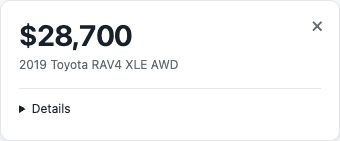
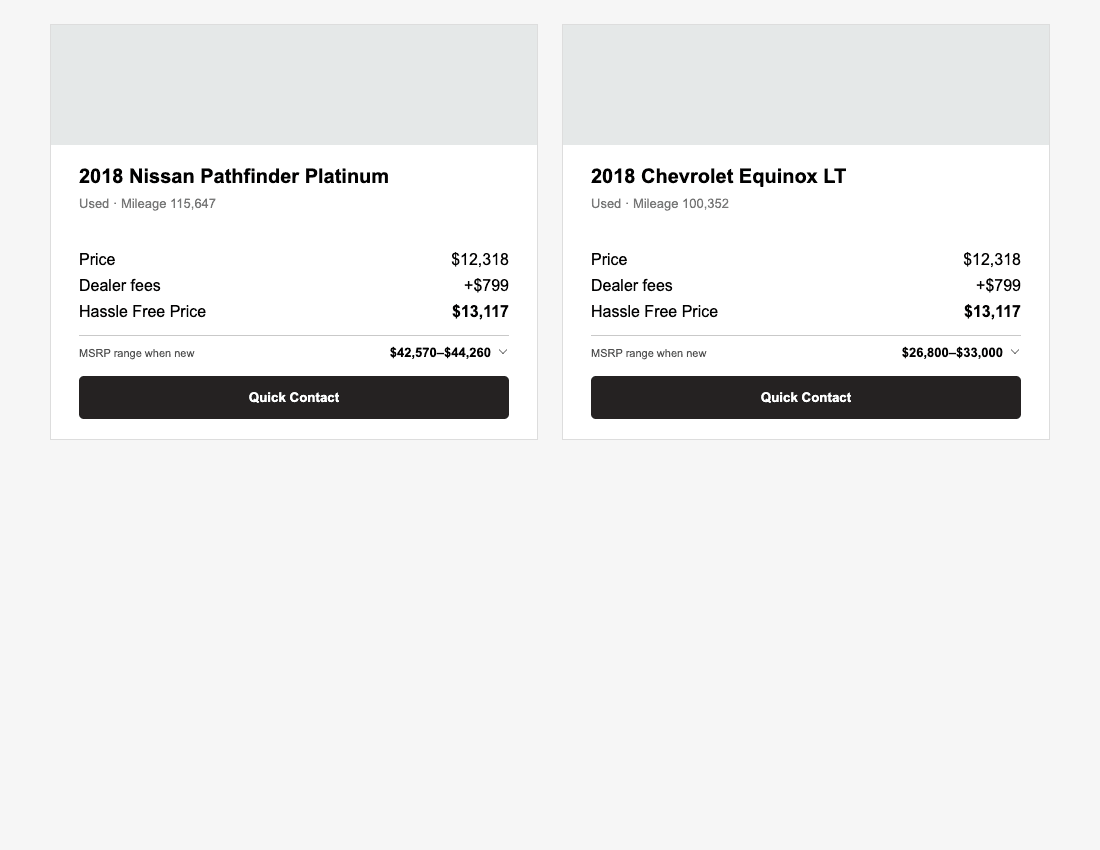
See what a used vehicle originally cost, how much value it has retained, and how today’s asking price compares with its historical MSRP—all beside the listing you are already browsing.
Features
See a vehicle’s original MSRP, configuration, model-year age, and retained value beside the listing title.
Compare asking price with historical MSRP and see whether a listing is above or below its original price.
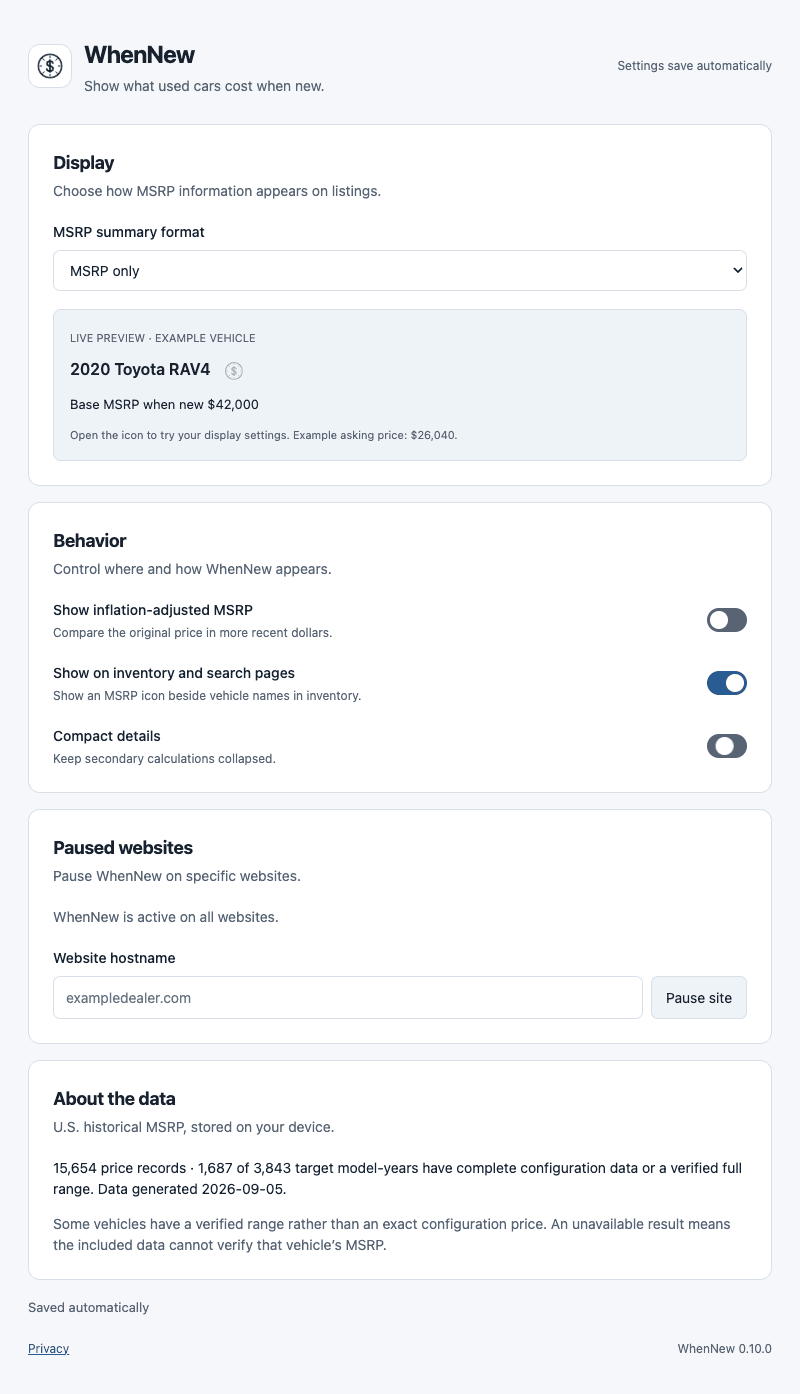
Use bundled U.S. CPI-U data to compare a price with the buying power of another year.
Get exact matches when configuration evidence is clear, or clearly labeled ranges when it is not.
Support dealer pages, embedded inventories, local lookup, vehicle corrections, and a lightweight toolbar toggle.
Keep vehicle processing, preferences, and optional missing-price notes on your device with no analytics or vehicle-data API.
Version
0.10.2
Coverage
1995–2026 U.S. market
Processing
On-device
Accounts
None
Analytics
None
Data requests
None